

If you’re surfing the internet or streaming videos on your Android device, you are probably concerned about your online privacy. However, here’s the thing: VPNs often come with a price tag, and not all users are willing to pay for them. This is where free VPNs can help.
In this guide, we will explore the best free VPNs for Android in 2026, discussing their features, advantages, and what you need to know about the trade-offs. Let’s help you make an informed choice without breaking the bank.
Why Use a VPN on Your Android Device?
Android devices are widely used for browsing the web, social media, shopping, and even banking. However, your device is constantly at risk of cyberattacks, data breaches, and tracking by third-party entities. A VPN (Virtual Private Network) helps you protect your privacy by:
- Masking your IP address to keep your identity anonymous.
- Bypassing geo-restrictions to access content from streaming services like Netflix, Hulu, and Amazon Prime.
- Securing personal data from hackers, especially on public Wi-Fi networks.
- Preventing ISP throttling for smoother streaming and faster browsing.
Using a VPN on your Android device is a simple and effective way to enhance your privacy and security online. However, while premium VPN services offer the best speeds and features, free VPNs can also be a viable option if you are cautious about limitations and trade-offs. In this article, we’ll take a closer look at the top free VPNs available for Android users in 2026.

How to Choose the Best Free VPN for Your Needs
Before diving into our list of the top free VPNs for Android in 2026, it’s important to know what to look for when choosing the best VPN for your needs. Not all free VPNs are created equal, and depending on your usage, some features may be more important than others. Here’s a breakdown of the key factors to consider:
What to Look for in a Free VPN:
- Data Limits: Free VPNs often have data caps. If you’re someone who needs to stream videos, download files, or use a VPN for heavy browsing, you’ll want to find a VPN that offers generous or unlimited data.
- Server Locations: A good VPN should have a variety of server locations, especially if you want to access content from specific countries (like streaming services). The more server options a VPN offers, the more flexibility you have.
- Encryption and Security: Strong encryption (like AES-256) is essential to protect your privacy online. Make sure the free VPN uses secure protocols, such as OpenVPN or WireGuard, to keep your data safe from hackers and surveillance.
- Ease of Use: VPNs should be simple to use, especially for beginners. Look for VPNs that have a clean, intuitive interface, so you don’t waste time trying to figure out how to connect.
Different Use Cases: Which VPN Is Best for You?
Once you know what to look for, it’s important to think about how you use the internet and what features matter most. Different use cases may require different VPN features. Here’s a tailored guide based on your specific needs:
- Casual Browsers: If you’re primarily using your Android device for browsing, social media, or occasional app usage, you don’t need a VPN with high data limits or blazing speeds. A simple, easy-to-use VPN with strong encryption and good privacy policies will be enough. Focus on VPNs that provide ease of use and don’t have restrictive data caps.
- Streamers: If you want to watch geo-restricted content on streaming platforms like Netflix or Hulu, server locations are key. Look for free VPNs that offer access to multiple countries and fast speeds to handle video streaming without buffering. However, keep in mind that free VPNs often have limited servers and bandwidth, so streaming may be restricted.
- Privacy Enthusiasts: If your main concern is privacy and security, you’ll want a VPN that prioritizes encryption, a no-logs policy, and strong protocols. Look for VPNs that do not track your activities and offer advanced security features, such as kill switches and malware protection.
Free VPN for Android Comparison Table
Here’s a quick overview of the key features of each free VPN for Android:
| Feature / VPN | ProtonVPN | X-VPN | Planet Free VPN | Windscribe | TunnelBear | Hotspot Shield |
| Data Limit | Unlimited | Unlimited | Unlimited | 10GB/month | 500MB/month | 500MB/day |
| Server Locations | 3 countries | 26 countries | 5 free / 65+ premium | 10+ countries | 20+ countries | 1 country |
| Encryption | AES-256 | AES-256 | AES-256 | AES-256 | AES-256 | AES-256 |
| No-Logs Policy | ✔ | ✔ | ✔ | ✔ | ✔ | ✔ |
| Protocols Supported | OpenVPN, IKEv2 | OpenVPN, WireGuard | IKEv2, L2TP, StarGuard | OpenVPN, IKEv2 | OpenVPN | Hydra |
| Ads | ✘ | ✔ | ✘ (No Ads) | ✘ | ✔ | ✔ |
| Speed | Medium | Medium | Medium | Medium | Low | High |
The Best Free Android VPNs in 2026
1. ProtonVPN – Best for Privacy and Security
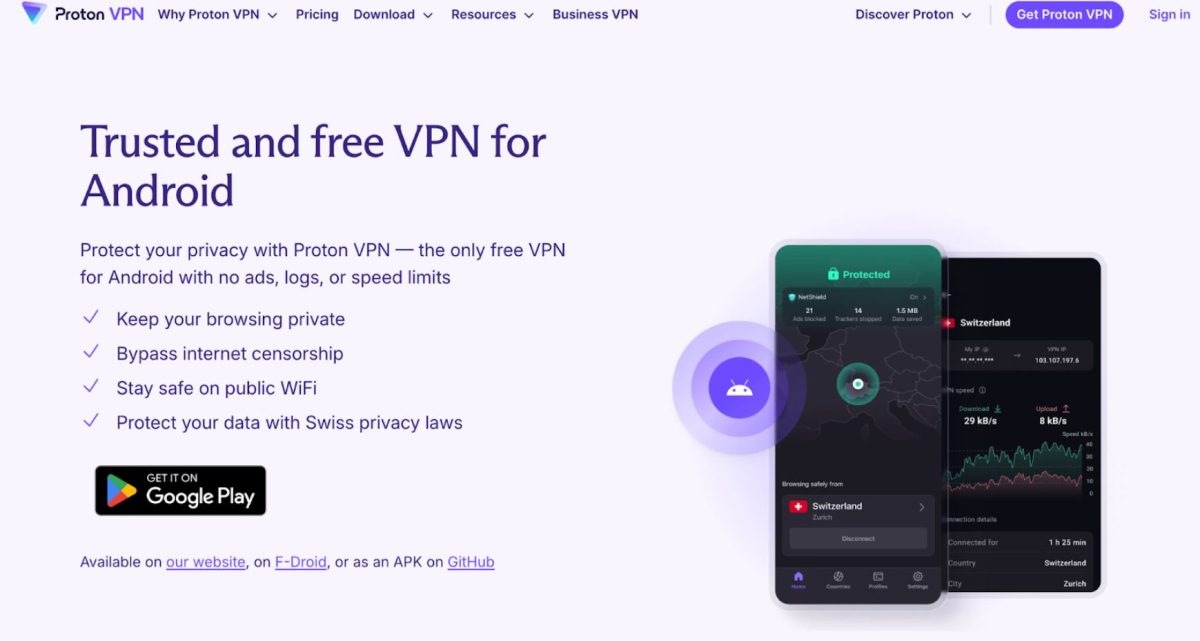
ProtonVPN is one of the most trusted VPNs in the market when it comes to security and privacy. Its free Android version allows users to access VPN servers in three countries without compromising on encryption standards.
- Pros:
- No-logs policy: ProtonVPN is based in Switzerland, a country with strict privacy laws, ensuring no user data is logged.
- AES-256 encryption: Provides top-tier encryption to secure your internet traffic.
- Unlimited bandwidth: No data restrictions, making it ideal for light browsing.
- Strong privacy features: Advanced features like Secure Core (multi-hop VPN) and NetShield (ad and malware blocking).
- Cons:
- Limited servers: Free users only have access to servers in three countries.
- Slower speeds: Due to limited servers and high traffic, speeds can be slower compared to premium plans.
2. X-VPN – Strong Free Option for Android
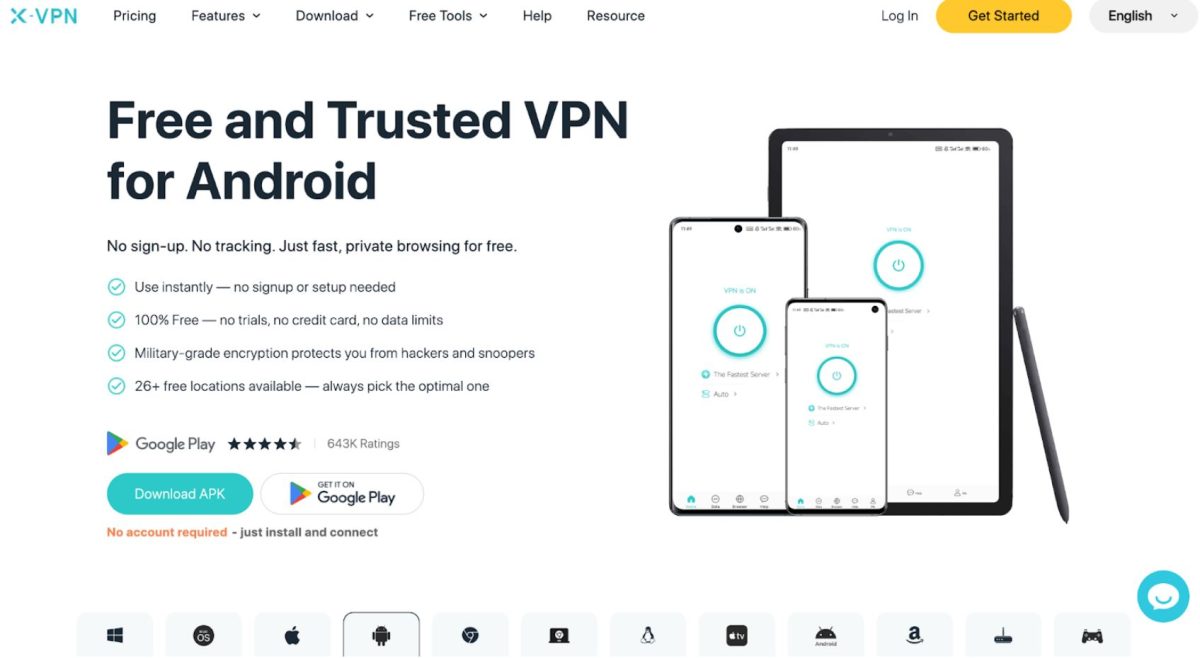
X-VPN is a powerful free VPN with a user-friendly interface. It offers unlimited data and access to 1000+ servers in multiple countries, making it a solid choice for Android users looking for a free solution.
- Pros:
- Completely free with no time limit: Offers truly unlimited usage without any restrictions.
- No registration required: Users can access the VPN without providing personal information, ensuring anonymity.
- 1000+ free serves in 26 countries: Users can easily access a reliable connection wherever you are.
- AES-256 encryption & Kill Switch: Ensures that your internet traffic is encrypted and secure, and also secures your connection even when the VPN connection drops.
- Multiple VPN protocols: Supports OpenVPN and WireGuard, offering a reliable and secure connection.
- Cons:
- Ads: The free version may display occasional ads, although they are not intrusive.
3. Planet Free VPN – Best Free VPN for Android with No Registration Required
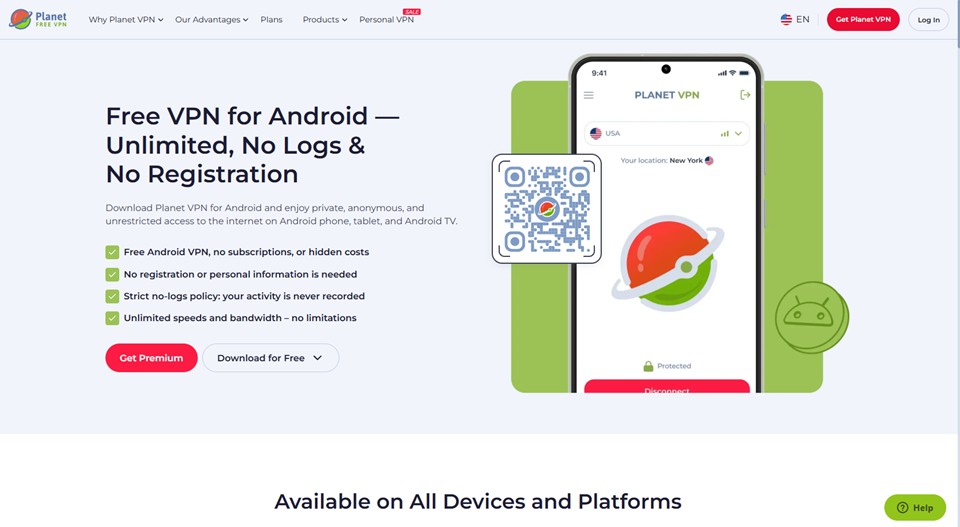
Planet Free VPN is a completely free, no-registration VPN that delivers strong privacy and unlimited data without any hidden costs. Based in Romania — outside the jurisdiction of major surveillance alliances — it offers a transparent no-logs policy and solid security features that make it a reliable choice for Android users.
Pros:
- Unlimited data with no time limit— no bandwidth caps or session restrictions on the free plan
- No registration required— just install and connect, no personal information needed
- AES-256 encryption + Kill Switch— ensures your data stays protected even if the VPN drops
- No adson the free version — clean, uninterrupted browsing experience
- Multi-platform support— works on Android, iOS, Windows, Mac, and major browsers
- 1,260+ servers in 5 free locations— upgrade to premium for 65+ countries
Cons:
- Free version limited to 5 server locations
- Speeds can be slower compared to premium VPNs
- Does not unblock all streaming services (Netflix works; Disney+/Hulu may not)”
4. Windscribe VPN – Generous Free Plan with 10GB/month
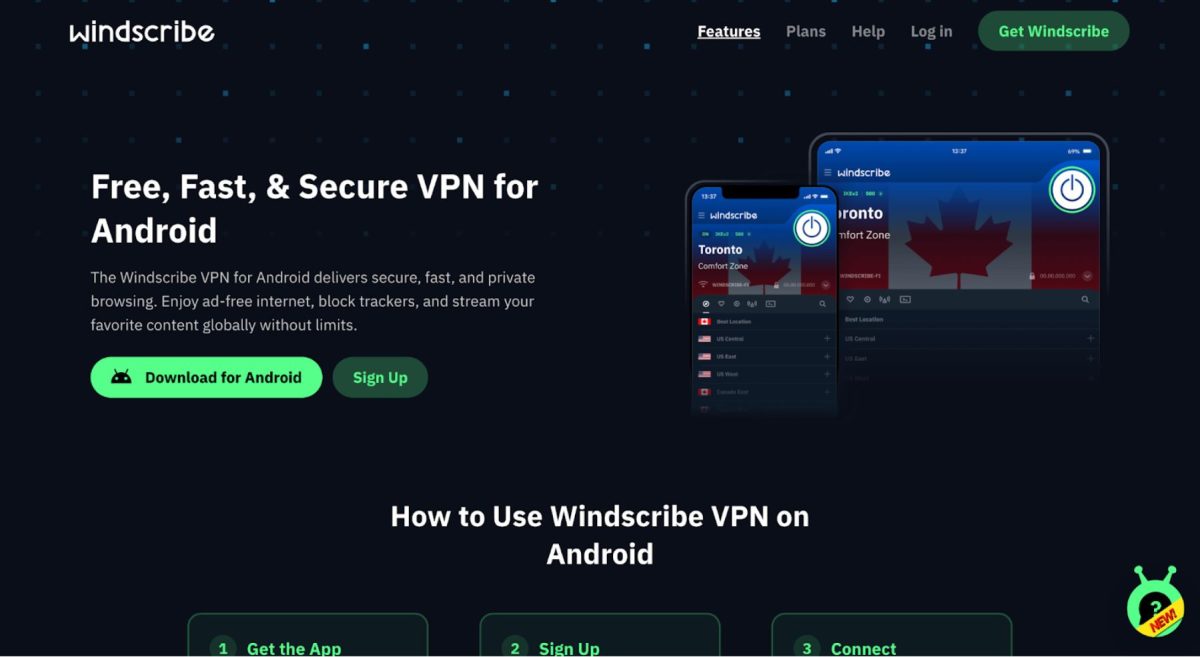
Windscribe VPN stands out by offering a free plan with a generous 10GB of data per month. This is one of the best free plans available if you need more data than typical free VPNs offer.
- Pros:
- 10GB of free data per month: A significant amount of data compared to other free VPNs.
- Wide server options: The free version gives access to servers in 10+ countries.
- Strong encryption: Uses AES-256 encryption to keep your browsing secure.
- Privacy-friendly: No tracking or logging of user data.
- Cons:
- Data cap: 10GB per month may not be enough for heavy streaming or torrenting.
- Slower speeds: Performance can be inconsistent, especially on free servers.
5. TunnelBear – Best for User-Friendly Interface
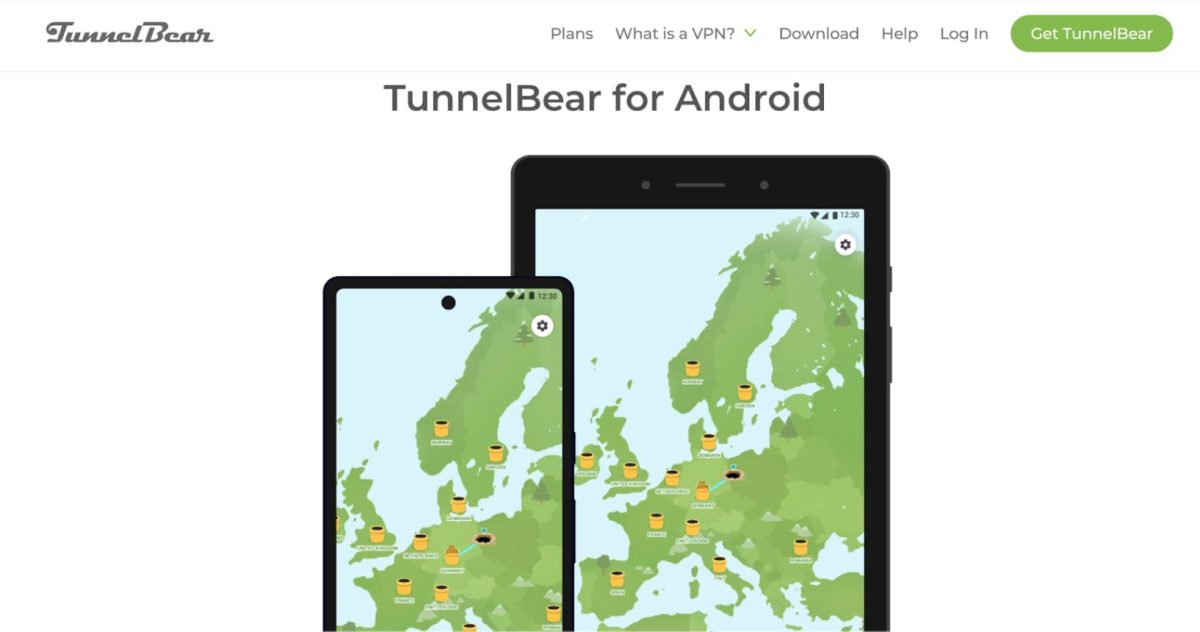
TunnelBear is known for its fun design and ease of use. While it’s not the fastest free VPN, it’s a solid choice for casual users who prioritize simplicity and security.
- Pros:
- User-friendly interface: Ideal for VPN beginners, with an intuitive design.
- Strong encryption: Uses AES-256 encryption to ensure security.
- Strict no-logs policy: TunnelBear doesn’t track or store user activity.
- Cons:
- 500MB monthly data limit: The free plan is very limited, offering only 500MB of data per month.
- Slow speeds: While secure, TunnelBear can be slower compared to other VPNs due to its data restrictions.
6. Hotspot Shield – Fast and Reliable with Ads
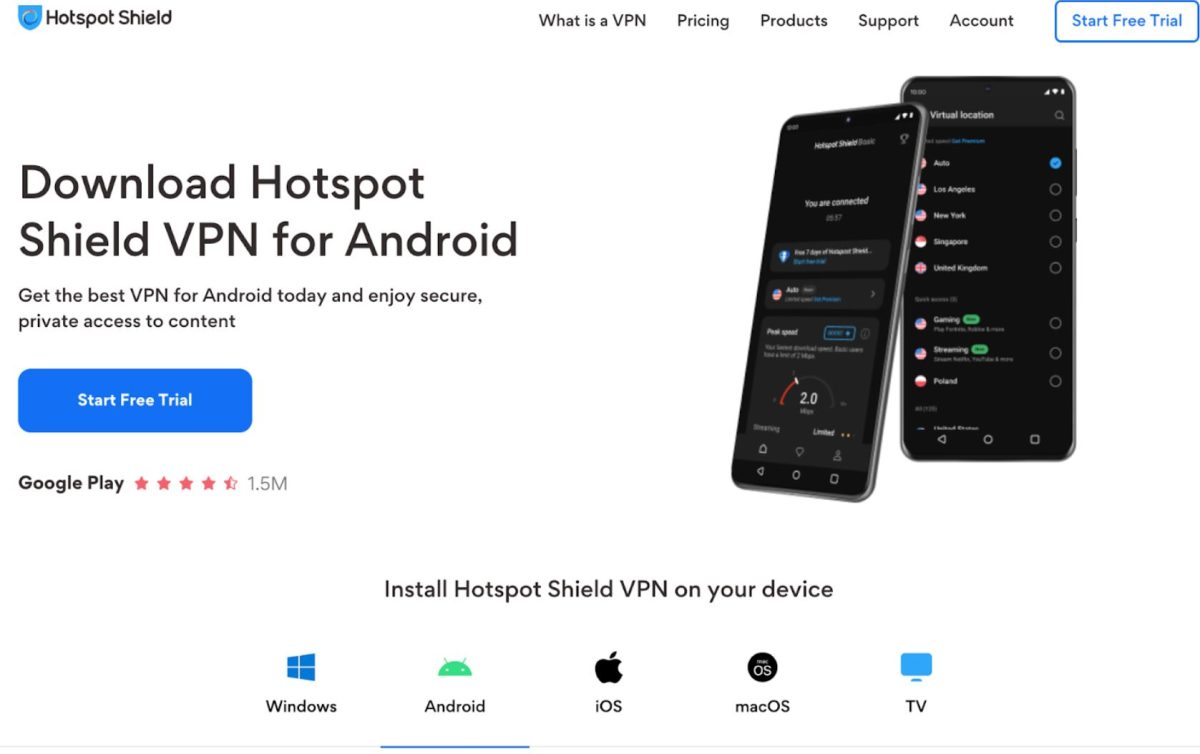
Hotspot Shield offers a free VPN with solid speeds and decent security features. While its free version does include ads, it’s still a reliable option for casual browsing.
- Pros:
- Fast speeds: Known for its quick connections, even on the free version.
- 256-bit AES encryption: Ensures secure browsing and data protection.
- Easy to use: The app is simple to install and use.
- Cons:
- 500MB daily data cap: While you get 500MB of data per day, it can quickly run out if you stream or download large files.
- Ad-supported: Free users will encounter pop-up ads, which may be intrusive.
- Limited features: Free version lacks some premium features like malware protection.
Conclusion: Which Free VPN is Right for You?
When it comes to choosing a free VPN for Android, each of the options above has its strengths and weaknesses. Here’s a quick summary:
- ProtonVPN is best for those who prioritize privacy and security, offering an excellent no-logs policy and strong encryption, although with limited servers on the free plan.
- Planet Free VPN is perfect for users who value simplicity and privacy, offering unlimited data, no ads, and no registration required.”
- X-VPN is a great all-around free option with unlimited data and a solid feature set, though users will encounter occasional ads.
- Windscribe provides generous data limits and a good server selection, making it ideal for moderate users who want a mix of security and flexibility.
- TunnelBear is a solid choice for beginners due to its user-friendly interface, but its 500MB data limit may not suffice for heavy users.
- Hotspot Shield offers fast speeds and decent security features, but the free version has a daily data cap and is ad-supported.
Ultimately, the best free VPN for you depends on your specific needs. If you need more data for general browsing, Windscribe is a top choice. If privacy is your number one concern, ProtonVPN and X-VPN offer robust security features. For those who value speed, Hotspot Shield might be worth considering, while TunnelBear is perfect for those just starting with VPNs.
While free VPNs can be a great option, keep in mind they often come with limitations. If you need more advanced features, faster speeds, and better privacy, a paid VPN might be a better option in the long run. Planet Free VPN is perfect for users who value simplicity and privacy, offering unlimited data, no ads, and no registration required
 Scope 3: The invisible obstacle to net zero supply chain operations
 The anatomy of innovative forklift design
 How to Write a Paper That Doesn’t Sound Like AI-Generated
 How AI, Machine Learning, & Data Science Are Intertwined?
 EU Parliament is right to regulate AI to ease anxiety
 Why AI Without Humanity Is Incomplete