

It’s Monday, and I’m looking at twelve retainers moving through the same five steps: research the topic, brief the writer, grade the draft, check whether the client shows up in AI answers, then report it back. Same moves, twelve times over. And every few weeks someone finds a shiny new AI tool for one of those steps, so now our account leads juggle nine logins and nobody can say which one actually does the on-page scoring. Sound familiar?
So let me save you the audit. For most agencies, the platform that anchors the whole stack of ai seo tools is SE Ranking, because it handles research, on-page, AI-visibility tracking, and white-label reporting in one place. The specialist tools then only have to fill a single step each, instead of overlapping and quietly padding your software bill. The one honest exception: if you’re running a very high-volume content operation, a dedicated drafting tool earns its own seat.
Workers using generative AI save about 5.4% of their work hours (St. Louis Fed) – which is exactly why every login has to earn its place. The walk-through below maps each tool to where it actually belongs.
The Stack at a Glance
Here’s the full workflow – the best AI SEO tools mapped one per step, and who each one is really built for.
| Step in workflow | Tool | What it does in the stack | Best for | Starting price |
| Research & planning | SE Ranking | Keyword research, on-page AI, AI-visibility tracking, white-label reports – the backbone | Agencies wanting one platform under the whole workflow | $129/mo |
| Briefs & outlines | Frase | SERP-based briefs and outlines in minutes | Teams measured on brief turnaround | $39/mo |
| On-page optimization | Surfer SEO | Real-time content grading against the SERP | Writers who must clear an on-page score | $49/mo |
| On-page optimization | Clearscope | Editorial-grade content scoring and sign-off | Editorial teams with a fixed quality bar | $129/mo |
| Drafting at volume | Scalenut | AI article creation + optimization + GEO | Teams producing many articles a month | $59/mo |
| Drafting at volume | SEO.AI | Near-autonomous AI writing and publishing | Teams offloading first drafts end to end | $149/mo |
| Drafting at volume | Jasper | Brand-voice AI content across formats | Teams holding a consistent brand voice | $69/mo/seat |
| All-in-one alternative | Semrush | AI content + AI-visibility inside the suite | Teams already standardized on Semrush | $60/mo |
Step 1: Research and keyword planning (the backbone)
Every client’s workflow starts here, and it’s the one step you don’t want spread across three tools and three exports to reconcile before a Monday call. When research, on-page, and AI-visibility data live in different tabs, your strategists burn the first hour of every engagement just stitching context back together – the fragmentation that quietly eats your margins, especially now that 42.3% of SEO professionals use AI writing assistants (SEJ State of SEO 2026).
1. SE Ranking
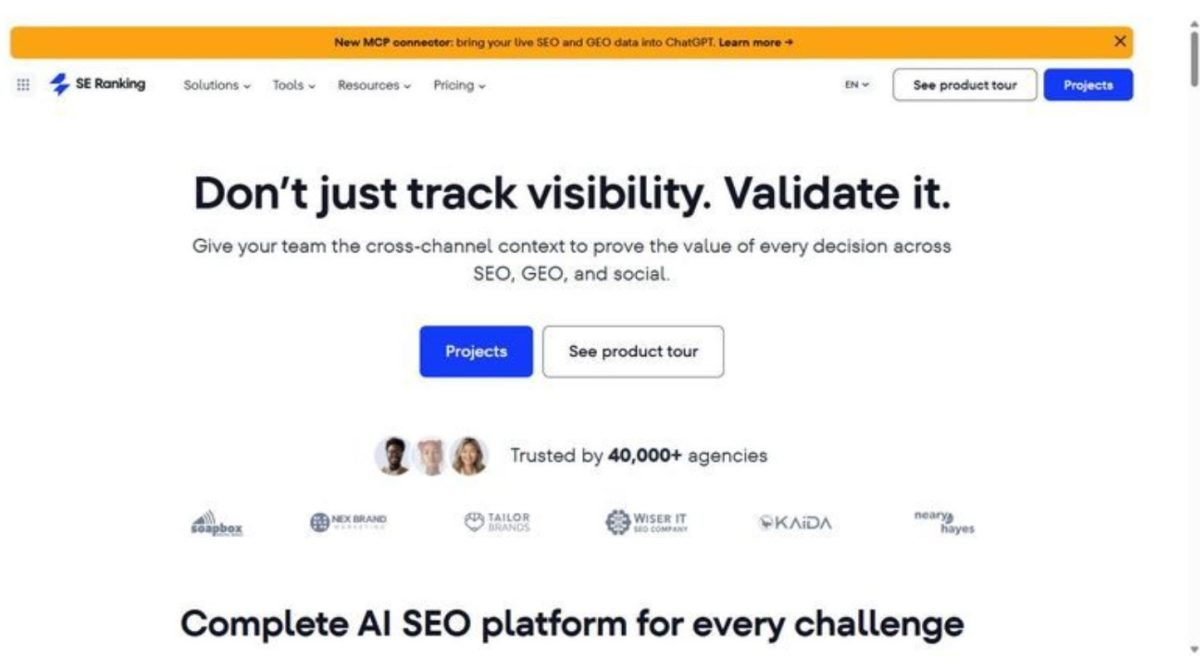
An AI-powered SEO platform that anchors the whole workflow – research, on-page, AI-search visibility, and client reporting in one place instead of scattered.
Best for: Agencies that want one platform carrying the recurring 80% of the workflow across a whole client roster.
Standout: It covers keyword research, AI-powered on-page checks, an AI Writer and Content Editor graded against the live top 10, and an AI Results Tracker that watches your brand across AI Overviews, AI Mode, ChatGPT, Perplexity and Gemini – then reports all of it white-labeled to the client, from a single login.
Pros:
- Consolidates research, on-page grading, AI-visibility tracking and white-label reporting behind one login.
- Ships API and MCP access on every plan, not just the top tier.
- Tracks your brand across 5 AI engines with cached answers you can show clients.
- Scores drafts in the Content Editor against the real top 10, not a static template.
Cons:
- Deeper LLM sentiment and cross-country benchmarking sit behind the AI Search add-on.
- AI-prompt and research caps scale with your plan, so plan tier to roster size.
- A very high-volume drafting operation still wants a dedicated writer at that one step.
Pricing: Core $129/mo ($103.20/mo billed annually), Growth $279/mo; Agency Pack from $69/mo for white-label; 14-day free trial.
My take: I recommend this as the backbone because consolidating the recurring layer is what gives an agency its hours back. Thirty clients times four logins times weekly exports is a part-time job you’re paying for, and one ai seo software platform erases most of it. The one specialist I still add is high-volume drafting.
Step 2: Briefs and outlines
The brief is where strategist hours vanish, because “just pull the SERP and outline it” quietly becomes ninety minutes a page. Multiply that across a roster and you’re funding a salary in outline work alone.
2. Frase
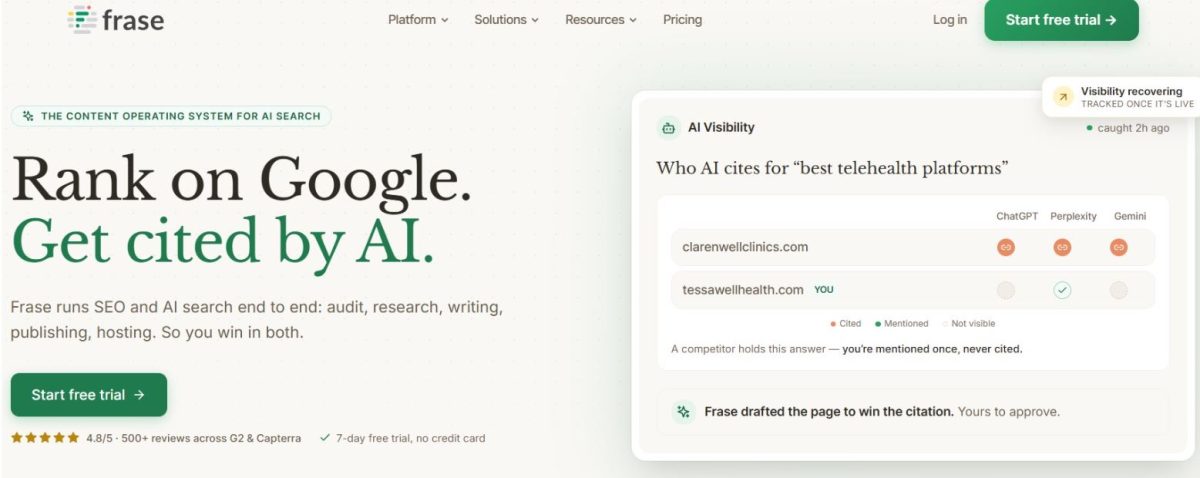
Turns a query into a SERP-based brief and outline fast, so your writers start from real structure instead of a blank page.
Best for: Teams measured on brief turnaround across many clients at once.
Standout: It pulls headings and questions from the pages already ranking and assembles a brief in minutes, then tracks answer coverage across ChatGPT, Google AI, Perplexity, Claude and Gemini as that breadth widens by tier.
Pros:
- Builds briefs in minutes, not hours, straight from the live SERP.
- Produces solid AI first drafts your writers can shape.
- Runs content-gap audits against ranking competitors.
- Suggests internal links you’d otherwise map by hand.
Cons:
- Article and audit-page quotas tighten fast once you’re working at volume.
- The richest AI-visibility coverage lives on the top tier only.
Pricing: Starter $39/mo, Professional $103/mo, Scale $239/mo (billed yearly).
My take: I keep this for the research-to-brief step, where it saves real strategist hours – do the math on minutes saved per brief times briefs shipped a month, and it pays for itself fast. The AI-visibility layer is a bonus, not why I buy it.
Step 3: Optimizing the draft on-page
This is where a draft stops being words and becomes something that can rank – and where a shared standard earns its keep: when every writer grades against the same on-page benchmark, quality holds no matter whose byline it carries. Most of the ai search optimization tools in this category live here, and two set the standard.
3. Surfer SEO
Real-time on-page content grading against the live SERP, so your writers know when a draft is genuinely finished instead of guessing.
Best for: Content teams that want every draft to clear a defensible on-page score before it ships.
Standout: The Content Editor scores a draft as it’s written and maps term coverage against the pages already ranking, so gaps surface before an editor sees them. Newer AI-visibility tracking watches ChatGPT, Perplexity and Google to tell you whether your pages get named in answers, not just indexed.
Pros:
- Grades fast enough to run inside a single editing pass.
- Includes a built-in AI writer and humanizer.
- Flags cannibalization and surfaces internal-link opportunities.
- Suggests terms pulled straight from what’s ranking.
Cons:
- Multi-LLM visibility tracking gets expensive as you add engines.
- Document and tracked-page caps pinch on the lower tiers.
Pricing: Discovery $49/mo, Standard $99/mo, Pro $182/mo (billed yearly).
My take: I use it as the grading layer so writers stop arguing about what “done” means. Across a team of eight, that shared score settles the debate before it starts and saves me the editing round I used to eat myself.
4. Clearscope
Premium, editorial-grade content scoring for teams that sign off every draft against one fixed standard.
Best for: Editorial teams holding a single quality bar across every client.
Standout: Clean, intent-driven grading with term coverage mapped to what actually ranks, so the score reflects the SERP rather than a keyword-density count. Brand-mention tracking across ChatGPT and Gemini plus query-fan-out awareness show how your content surfaces when AI reheats the question.
Pros:
- Grades reliably and reads cleanly, so writers trust the number.
- Explores topics and keywords in the same workspace.
- Tracks brand prompts across AI engines.
- Ships the cleanest editor writers will actually work inside.
Cons:
- Sits among the priciest per-seat content tools.
- Lower-tier monthly credits run thin fast.
- Optimizes content only; it won’t audit or track a site.
Pricing: Essentials $129/mo, Business $399/mo; 14-day trial.
My take: I reach for Clearscope when a client’s content bar is high and consistency matters more than seat cost – editorial retainers especially. At $399 a month it has to replace an editor’s time to pay off, and for those accounts it does. Everywhere else, my backbone’s editor covers this step.
Step 4: Drafting at volume
This is the step that quietly grows your headcount if you let it. Shipping fifty or a hundred articles a month across a roster, ai seo automation tools stop being a novelty and start earning their seat – because the alternative is another writer to hire, train, and keep busy.
5. Scalenut

AI article creation, optimization, and GEO tracking in one place, built for teams whose real constraint is output volume.
Best for: Teams producing many articles a month who want draft-to-optimize handled in a single tool.
Standout: Scalenut runs full AI article creation alongside a Content Optimizer, keyword and topic clustering, and content audits, then adds GEO prompt tracking across ChatGPT, Google AI Overviews, and Perplexity. WordPress and Shopify auto-publish close the loop – a draft goes from brief to live page without leaving the platform.
Pros:
- Produces article drafts quickly at real volume.
- Optimizes on-page with a built-in grader.
- Clusters keywords and runs content audits.
- Publishes directly to WordPress and Shopify.
Cons:
- List prices sit above the promo rates you see on the way in.
- Optimization quotas still apply, even on the top tier.
Pricing: Starter around $59/mo, Plus around $89/mo, Professional around $199/mo (list; promos run lower).
My take: I pull this in when volume is genuinely high and folding draft-plus-optimize into one tool saves real handoffs. Below that threshold, your backbone plus a standalone grader covers the same ground without a second subscription to justify at renewal.
6. SEO.AI
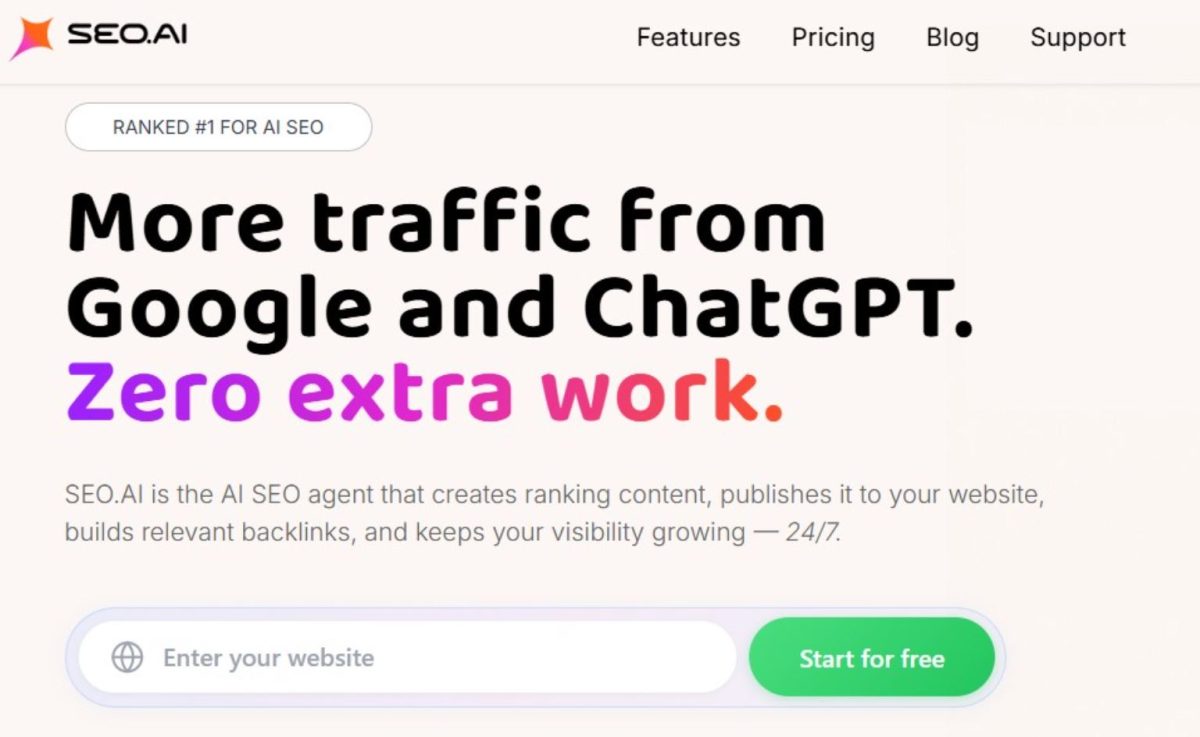
A near-autonomous AI agent that writes, publishes, and monitors content while your people spot-check rather than produce.
Best for: Teams offloading first drafts and running publishing end to end across a set of sites.
Standout: A 24/7 agent generates content recommendations and publishing plans, writes algorithm-aligned pages, and monitors how they perform after they go live. The shift is the labor model: your editors check output instead of building it from scratch, which changes what a content hour costs across a portfolio of sites.
Pros:
- Hands off first drafts to the agent.
- Publishes without a separate step.
- Monitors performance after pages go live.
- Supports multiple sites on the higher tier.
Cons:
- Entry price runs above DIY drafting tools.
- The automated approach trades away granular manual control.
Pricing: Single Site $149/mo, Multi Site $299/mo (up to 3 sites); 7-day trial.
My take: I treat this as a way to buy back drafting hours on lower-stakes pages – the supporting content nobody wants to staff a writer against. Keep a human firmly on anything client-facing; the point is reclaiming time on the long tail, not removing your judgment.
7. Jasper
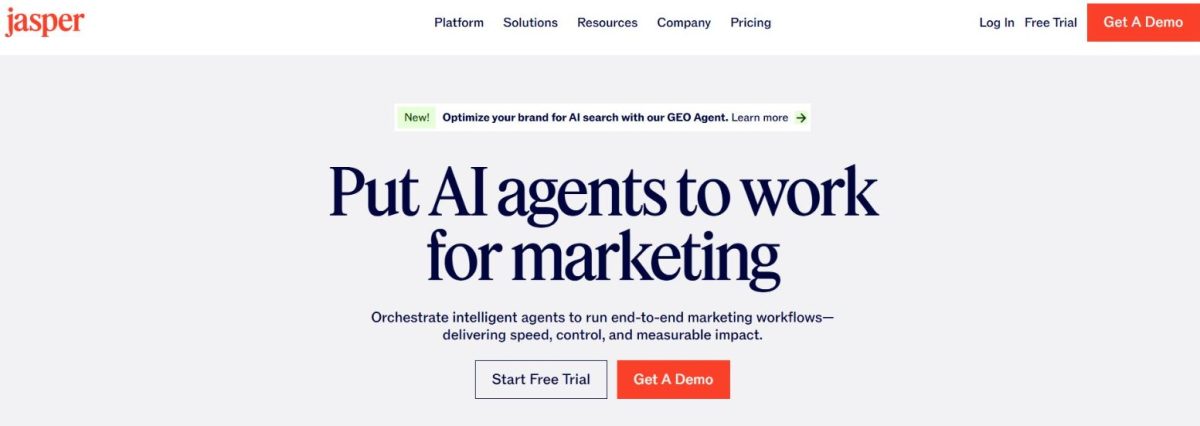
An AI marketing-content platform built around brand voice and agents, not a dedicated SEO suite.
Best for: Teams holding one consistent brand voice across many content formats at once.
Standout: Brand voices, knowledge assets, and more than 100 marketing agents keep tone steady across an email, a landing page, or a social series. The SEO features are indirect, so Jasper pairs with an SEO platform rather than replacing one – the honest way to slot it into a workflow that already has a ranking backbone.
Pros:
- Controls brand voice tightly across writers.
- Handles many content formats in one place.
- Offers agents and reusable knowledge assets.
- Ships a browser extension for in-context drafting.
Cons:
- Not a true SEO, audit, or rank-tracking tool, so it needs pairing with one.
- Per-seat cost stacks up quickly across a full team.
Pricing: Pro $69/mo per seat, Business custom.
My take: I reach for Jasper where brand voice across formats matters more than on-page depth – the accounts where consistency is the deliverable clients notice. The SEO work still lives in your backbone; Jasper handles the voice, and you stop paying that tax in editing time.
Step 5: The all-in-one alternative
Some of you would rather not add another login at all – you’d keep the AI features inside a suite your team already opens every morning. That’s a legitimate way to build the stack, and it matters more now that Google’s AI Overviews reach 2 billion monthly users and drive more than 10% additional queries where they appear (Search Engine Journal). If AI visibility is now a permanent line item, it’s fair to ask whether it can live where your team already works.
8. Semrush
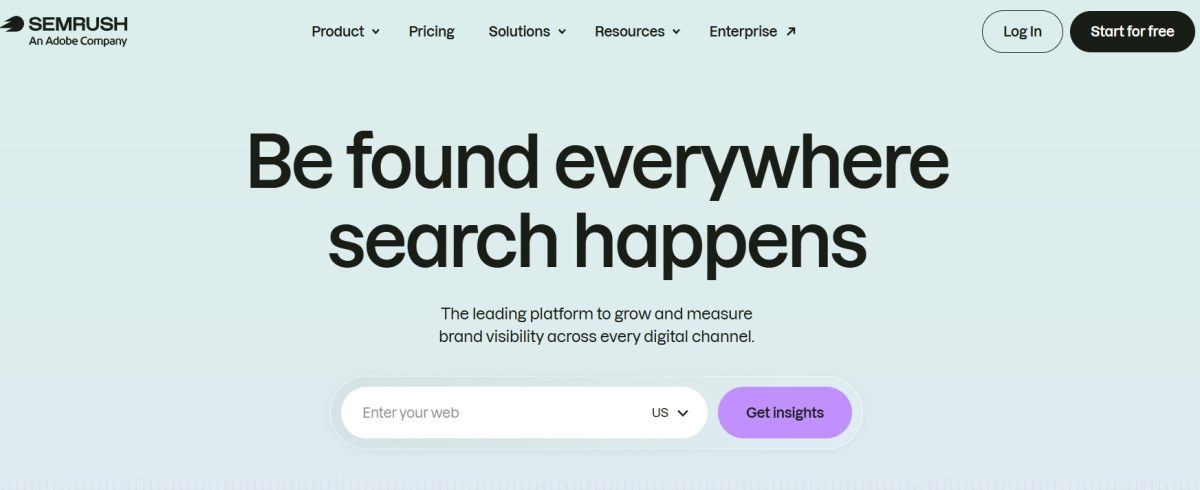
A full SEO suite whose AI features live in separate modules – a Content Toolkit, an AI Visibility Toolkit, and an assistant.
Best for: Teams already standardized on Semrush who want AI features in the tool they already open.
Standout: The AI Visibility Toolkit tracks custom prompts daily across ChatGPT, Google AI, Gemini and Perplexity, and ContentShake AI produces SEO-scored drafts, all inside one suite you already run.
Pros:
- Draws on broad platform data across the suite.
- Generates SEO-scored drafts through ContentShake AI.
- Tracks daily AI prompts across four engines.
- Keeps AI features where your team already works.
Cons:
- Cost stacks across the base plan plus the AI Visibility and Content toolkits.
- The AI packaging was recently reorganized, so bundling shifts.
- You pay suite prices to reach the AI layer.
Pricing: Content Toolkit $60/mo; AI Visibility Toolkit from $99/mo per domain; base plans $117–$456/mo (billed annually).
My take: Here’s my honest read. If Semrush is already your system of record, this is a reasonable shape for the stack – the AI layer shows up where your team already lives. If it isn’t, the backbone-plus-specialists route usually costs less to run, because you’re not paying suite prices just to reach the AI features.
Assembling Your Own Stack
The goal was never the longest list of AI SEO tools. It’s the fewest logins that still cover the whole workflow, because every extra login is a seat to learn, a tab someone forgets to check, and a renewal to justify. For most agencies, SE Ranking anchors the core – research, on-page, AI visibility, and reporting – and you add one or two specialists only where sheer volume or a client’s quality bar demands it. Do the portfolio math on hours, not feature checklists: a tool that saves 30 minutes per client across 40 clients is real; one that saves five isn’t. And AI visibility isn’t optional anymore – AI summaries now appear on about 18% of Google searches and 58% of users encounter at least one (Pew Research), which is why it belongs in the stack, not tacked on later.
Skip if: Don’t stack two tools that do the same step – one strong AI-visibility tracker beats two mediocre ones. And don’t add a full suite when your backbone already covers that step; you’d pay twice for research and reporting just to reach a couple of AI features.
You don’t have to build the whole thing this quarter. Pick the backbone, add one specialist where a step actually hurts today, and expand only when the next step starts costing you hours. Start small – the stack can grow with the portfolio.
Frequently Asked Questions
How do AI SEO tools fit into an agency workflow?
They slot into steps you already run: research, on-page optimization, drafting, AI-visibility tracking, and reporting. The cleanest setup uses one backbone platform for most steps and adds a specialist only where volume or a client’s quality bar demands it, so your team learns fewer interfaces and switches tabs less across the portfolio.
How many AI SEO tools does a team actually need?
Usually two to three. A backbone platform covers research, on-page, AI-visibility tracking, and reporting, and you add one or two specialists where output volume or content quality justifies a dedicated tool. More than that and you’re paying for overlapping features, training your team on redundant interfaces, and reconciling data that never quite matches.
Can one platform replace a stack of AI point tools?
For most teams, mostly yes. A capable suite handles keyword research, on-page work, AI-visibility monitoring, and client reporting under a single login. You’d add a specialist drafting tool only when your content volume outpaces what the suite produces comfortably, or when a client’s editorial standard needs a purpose-built writer.
Do AI SEO tools integrate with WordPress and GSC?
Most do. Platforms like SE Ranking connect GA4, Google Search Console and WordPress, so your ranking, traffic and audit data live in one place. Several drafting tools publish directly to WordPress or Shopify, letting a writer push an approved draft into the CMS without a manual copy-paste step in the middle.
 Top Energy Software Development Companies for Complex Projects
 Supply Chain & Logistics: Predictions for 2021
 Options for sustainable warehouse automation
 “Super shed” boom but there’s untapped value in physical store space
 Fewer Than 20 Companies Will Scale Humanoid Robots for Manufacturing & Supply Chain to Production Stage by 2028
- An overview of Casino Kingdom’s key features for players of all experience levels